


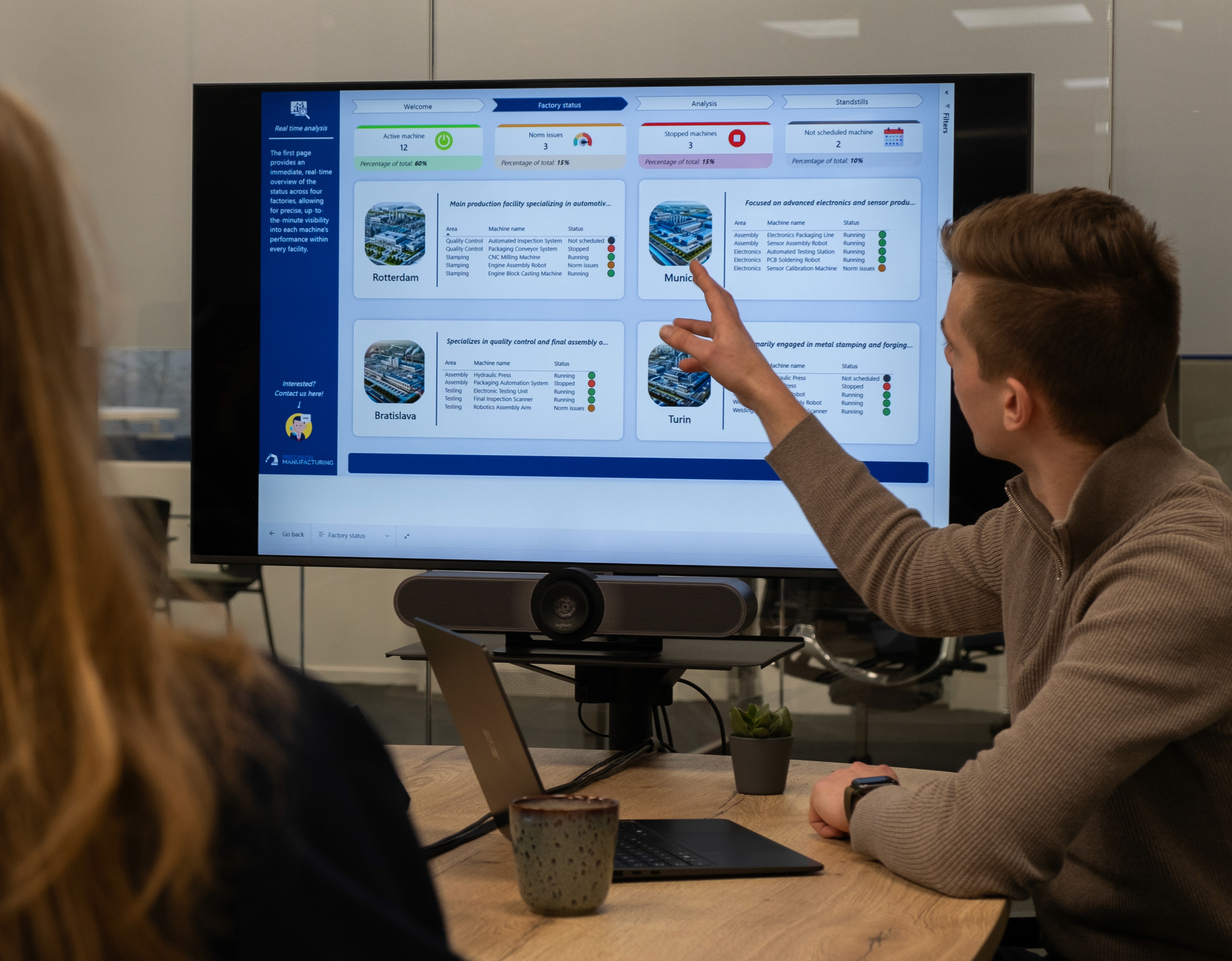









Power BI: real-time insights at your fingertips
Data connectors
Data modeling
Interactivity & visuals

Microsoft Fabric: the end-to-end data platform
Lakehouses & Data Lakes
Data Engineering
Data Warehousing
Data Science & Machine Learning
Analytics & real-time BI
Copilot Studio: build and manage your smart AI agents
Custom prompts & fine-tuning
End-to-end development pipeline
Security & compliance built-in
Monitoring & continuous improvement
Power Apps: quickly build custom apps without code
Low-code development
Wide range of scenarios
Seamless integration
Mobile & web
Who are the trainings intended for?
The training sessions are intended for teams that want to get started with data and automation themselves, from business analysts and key users to IT staff and managers. Prior knowledge depends on the training: Power BI starts at a basic level, while Microsoft Fabric is more suitable for teams that are already working with data engineering. VDS tailors the level to the participants.
Do I need programming knowledge to learn Power BI?
No. Power BI is designed as a self-service tool with a drag-and-drop interface. You can create dashboards, connect data, and generate visual reports without any programming knowledge. For advanced data modeling and calculations, you learn to work with DAX (Data Analysis Expressions) and Power Query in the training. That is formula language, not programming code.
Do you also offer follow-up support after the training?
Yes. VDS offers optional follow-up sessions, coaching-on-the-job, or a helpdesk setup. This way, your team can continue independently after the training, knowing that support is available for more complex issues. It is also possible to deepen knowledge later with an advanced session after a basic training.
Can I combine multiple training sessions?
Om een video aan uw site toe te voegen, klikt u op de knop "Invoegen" en navigeert u naar de sectie "Media". Sleep vervolgens een videocomponent naar het canvas.


